

Do you want to repeat a word, sentence, or paragraph multiple times without typing it again and again? A Text Repeater Online Free tool makes this task quick, simple, and convenient. Whether you need repeated text for social media, messaging, testing, creative projects, or everyday tasks, an online text repeater can help you generate multiple copies of your text in seconds.
Instead of manually copying and pasting the same words, you can enter your text, choose how many times you want it repeated, and generate the result. You can then copy the repeated text and use it wherever you need.
In this guide, you’ll learn what a text repeater is, how to use it, its practical benefits, and how it can make repetitive typing easier.
What Is a Text Repeater?
A text repeater is an online tool that duplicates a word, phrase, sentence, or paragraph a specified number of times. It automates repetitive typing and helps you create repeated text without doing the work manually.
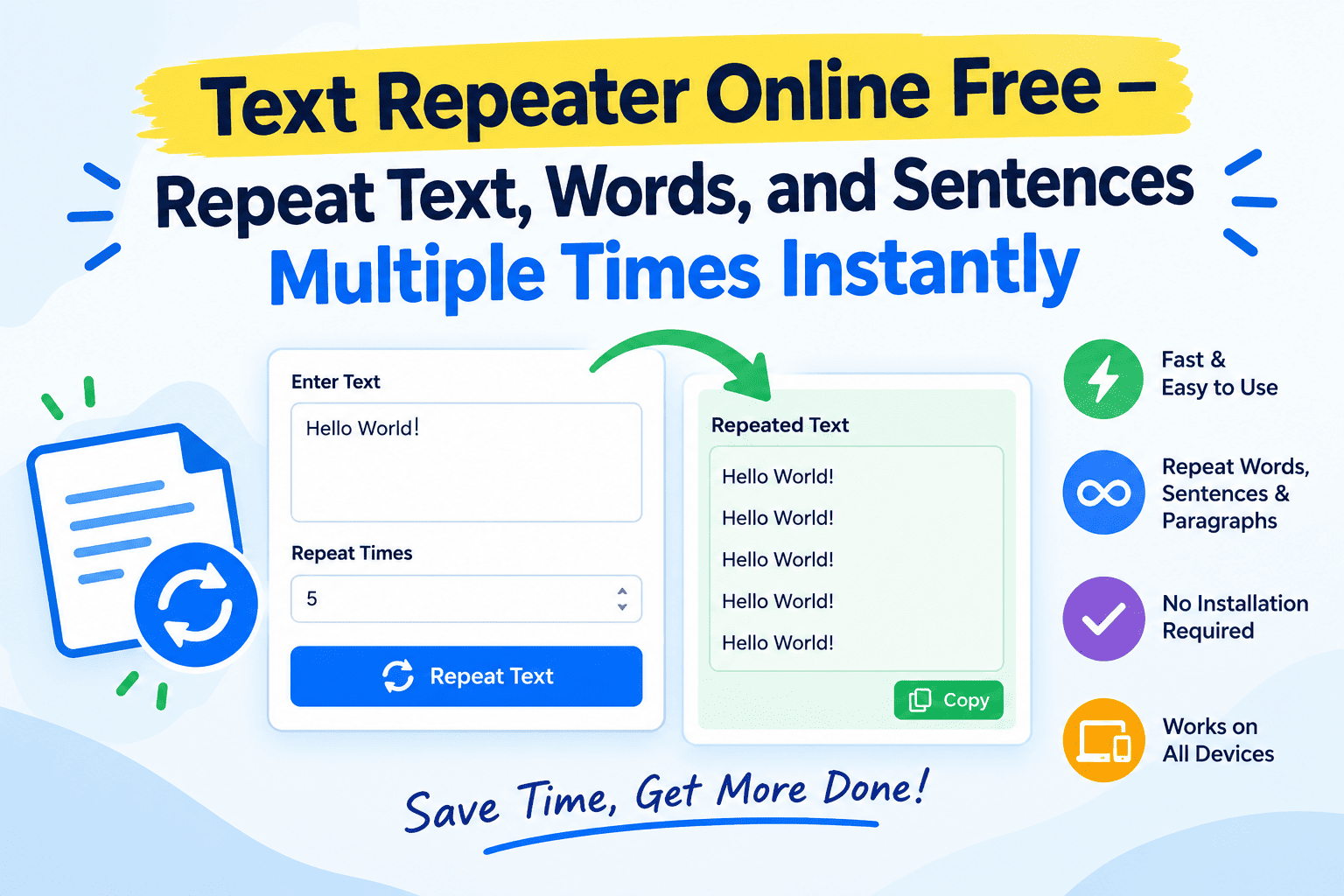
For example, if you enter the word Hello and choose five repetitions, the tool can generate:
Hello Hello Hello Hello Hello
Depending on the tool’s available options, you may also be able to repeat text on separate lines, customize spacing, or create a continuous sequence of repeated words.
A text repeater is useful for students, writers, social media users, developers, content creators, and anyone who frequently works with repeated text.
How to Use a Text Repeater Online Free
Using an online text repeater is straightforward. Follow these steps to generate repeated text quickly.
Step 1: Enter Your Text
Open the text repeater tool and type or paste the word, sentence, or paragraph you want to repeat into the input box.
For example:
Welcome to my website!
Step 2: Choose the Number of Repetitions
Enter the number of times you want your text to appear. If you want the sentence repeated 10 times, enter 10 in the repetition field.
Choose a number that suits your task and any character limits imposed by the platform where you plan to use the result.
Step 3: Generate Repeated Text
Click the available repeat or generate button. The tool should produce the requested copies of your original text.
For example, repeating Welcome to my website! three times could produce:
Welcome to my website!
Welcome to my website!
Welcome to my website!
The exact output format depends on whether your tool separates repetitions with spaces, line breaks, or another separator.
Step 4: Copy Your Result
Review the generated text to ensure that the repetition count and formatting are correct. Then use the copy button, if available, or select the result and copy it manually.
You can paste the output into a message, document, text editor, or other application that accepts text.
Key Features of a Text Repeater Tool
A useful online text repeater should make repetitive text generation easy and predictable. Depending on its implementation, the tool may include the following features.
Repeat Text Multiple Times
Generate several copies of a word, phrase, or sentence by entering a repetition count. This is especially helpful when manual typing would take too long.
Repeat Words and Sentences
A text repeater can work with short words, complete sentences, and longer text passages. Always check the tool’s input and output limits when working with large paragraphs.
Simple Copy and Paste
Copying the result allows you to move repeated text into another application without having to recreate it manually.
Flexible Text Formatting
Some tools let you place each repetition on a new line, separate copies with spaces, or customize the separator. These options can help you prepare text for different purposes.
Quick Results in Your Browser
A browser-based text repeater can be convenient because you can use it without installing a separate desktop application. Whether it requires an account or stores any information depends on the particular website.
Benefits of Using a Free Text Repeater
There are several reasons to use a text repeater instead of manually duplicating text.
1. Saves time: Repeating a sentence dozens or hundreds of times manually can be tedious. An automated tool can generate the copies much faster.
2. Reduces repetitive work: You don’t have to select, copy, and paste the same text repeatedly. This can make routine tasks easier.
3. Helps maintain consistency: Generating repetitions from a single original input helps preserve the same spelling, capitalization, and punctuation across copies.
4. Easy to use: Most basic text repeaters require only text input and a repetition count, making them accessible to beginners.
5. Useful for different tasks: Repeated text can be used for demonstrations, sample documents, test data, creative exercises, and other appropriate purposes.
6. No manual installation required: A web-based tool can be accessed directly through a compatible browser, depending on the website’s requirements.
Common Uses of a Text Repeater
A text repeater has practical uses in everyday digital activities. Here are some examples.
Social Media and Messaging
You may want to repeat a short phrase for a creative post, a playful message, or a text-formatting experiment. A repeater can help you prepare the text before posting or sending it.
However, avoid using repeated messages to spam people, flood comment sections, or violate a platform’s rules.
Writing and Content Preparation
Writers can use repeated text to create sample layouts, demonstrate formatting, or prepare placeholder content while designing a document.
Placeholder text should be replaced with meaningful writing before publishing a finished article or page.
Programming and Software Testing
Developers sometimes need repeated strings to test text fields, character limits, interface layouts, and input handling.
For example, repeating a short string 100 times can help create a simple test input. Always follow appropriate testing practices and avoid submitting oversized inputs to systems without permission.
Educational Activities
Students and teachers can use repeated words or sentences to demonstrate patterns, practice typing, or explain text formatting.
Creative Text Experiments
Repeated words can be useful for experimenting with visual patterns, decorative messages, or simple text-based designs. The final appearance will depend on the font and application where the text is displayed.
Text Repeater vs. Manual Copy and Paste
Both methods can duplicate text, but they work differently.
| Feature | Online Text Repeater | Manual Copy and Paste |
| Repeating text many times | Quick and automated | Can be time-consuming |
| Choosing a repetition count | Usually supported | Requires manual effort |
| Consistent original wording | Generated from one input | Depends on careful copying |
| Formatting options | Depend on the tool | Depends on the application |
| Installation | Usually unnecessary | No extra tool required |
| Best use | Repetitive text generation | Occasional duplication |
For a small task, manual copying may be sufficient. When you need many repetitions or a specific count, an online text repeater is generally more convenient.
How to Get the Best Results
To make your repeated text useful, follow a few simple practices.
- Check your input: Correct spelling and punctuation before generating repetitions.
- Choose the right count: Generate only as many copies as your task requires.
- Select appropriate formatting: Use spaces or line breaks according to where the text will be pasted.
- Review the output: Confirm that the number of repetitions and separators are correct.
- Consider character limits: Some messaging services, forms, and applications restrict the length of submitted text.
- Use repeated text responsibly: Avoid flooding websites, messaging services, or online communities with unwanted content.
- Protect private information: Do not enter sensitive text into an online tool unless you understand how the website handles and processes that information.
These small steps can help you produce cleaner, more useful results.
Is a Text Repeater Online Free?
Many text repeater tools offer basic repetition features without charging a fee. However, availability, usage limits, advanced formatting, and other features vary by website.
Before relying on a particular tool, check whether it supports your desired repetition count and output format. If you plan to use it frequently, consider whether it meets your needs without requiring unnecessary registrations or permissions.
Also, don’t assume that every online tool processes text exclusively on your device. Review the website’s privacy information if the text you want to repeat is confidential.
Frequently Asked Questions (FAQs)
1. What is a text repeater used for?
A text repeater duplicates words, sentences, or paragraphs a specified number of times. It is useful for repetitive typing, sample text creation, formatting demonstrations, and basic software testing.
2. How can I repeat text online for free?
Enter your text into an online text repeater, specify the number of repetitions, and generate the result. Copy the output once you have checked that it is correct.
3. Can I repeat a sentence multiple times?
Yes. Most basic text repeaters are designed to duplicate complete sentences as well as individual words. The maximum text length and supported formatting depend on the tool.
4. Can I repeat text 100 times?
Yes, if the tool supports a repetition count of 100 or more. Enter your text, choose 100 repetitions, and generate the output. Check the resulting length before using it elsewhere.
5. Can a text repeater repeat words on separate lines?
Some text repeaters support line breaks or custom separators. If this option is available, select the desired format before generating the result. Otherwise, you may need to adjust the output manually.
6. Is a text repeater safe to use?
A text repeater can be safe for ordinary text tasks, but safety also depends on the website and how it handles submitted information. Avoid entering passwords, private messages, or other sensitive data into tools whose privacy practices you do not understand.
7. Do I need to install software to repeat text?
Usually not. A browser-based text repeater works online without a separate installation, although individual websites may have different requirements.
8. Is a text repeater useful for developers?
Yes. Developers can use repeated strings to create test inputs, check character limits, and examine how interfaces display longer text. Testing should be performed only on systems they own or have permission to test.
Conclusion
A Text Repeater Online Free tool is a simple way to duplicate words, sentences, and paragraphs without repetitive manual typing. By entering your text, selecting the repetition count, and generating the output, you can prepare repeated text for messaging, writing, educational activities, and software testing.
For the best experience, choose a tool that supports your required repetition count, offers suitable formatting, and explains its privacy practices clearly.
Whether you need to repeat a sentence three times or generate a longer string for a specific task, a text repeater can make the process faster and easier. Use it thoughtfully, review the generated output, and choose the formatting that best fits your needs.
 Blessingtide.com usa